English preview · For review
Simulation & Enterprise
Fire Safety & Emergency Response Simulation
Connect hands-on firefighter training with command decisions and session review.
VAR LIVE works with organisations to shape immersive training around their people, facilities and response objectives. The programme can combine VR firefighter exercises with force-deployment commander training, bringing scenario design, integrated equipment, team coordination and instructor review into one project scope.
Discuss your training requirements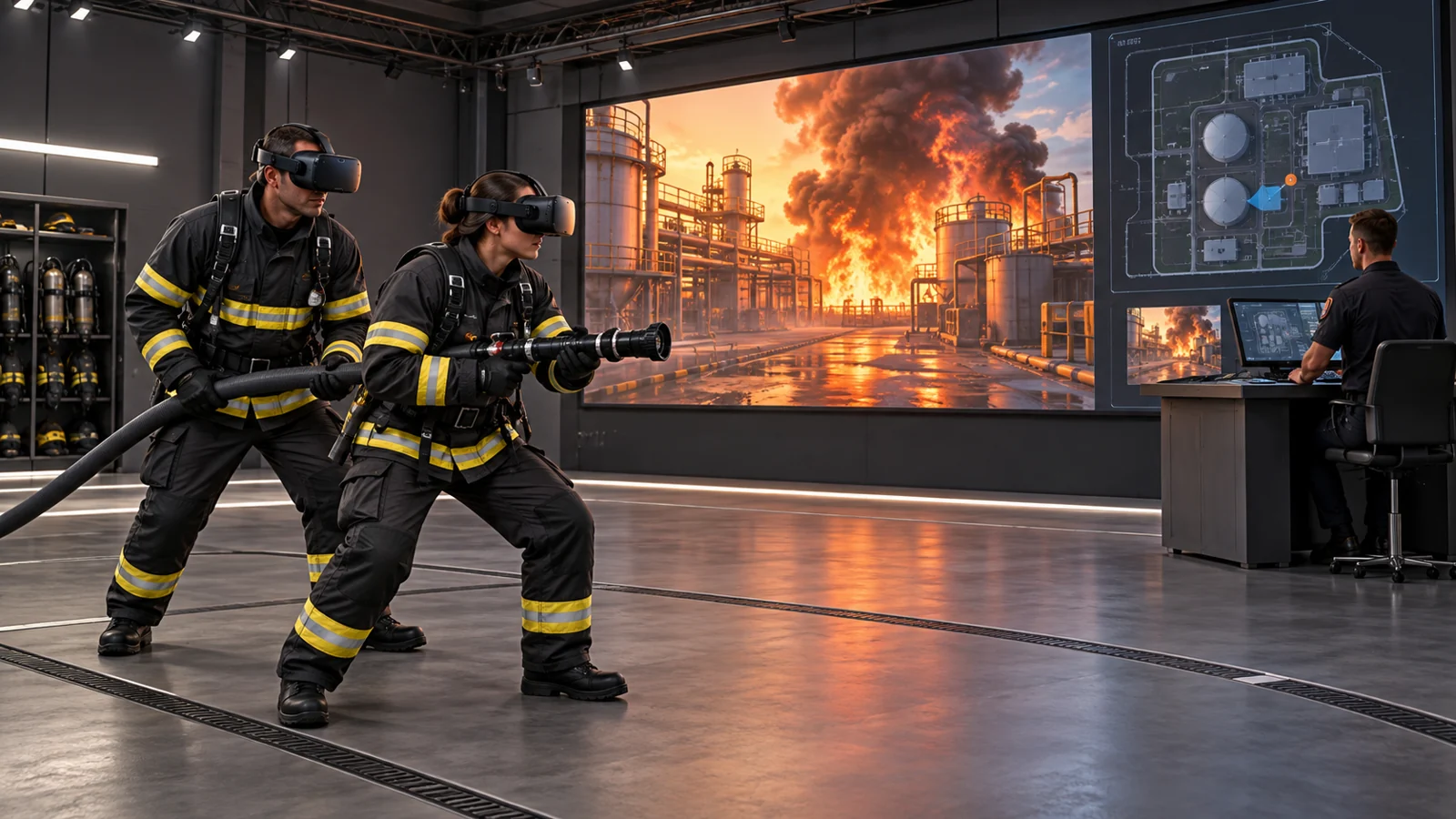
Training scenarios
Build around the learning objective
Our reference programme brings together observation and interactive exercises. Select and adapt the scope with your instructors, subject to technical assessment and current module availability.
Observe fire behaviour
Use recorded environments to discuss fire growth, smoke and changing conditions with an instructor.
Practise scenario recognition
Explore door-entry situations, hose-guided evacuation and thermal-imager familiarisation through guided virtual exercises.
Explore different incident settings
Consider electric-vehicle and solar incident scenarios, alongside workplace fire-awareness content tailored to the audience.

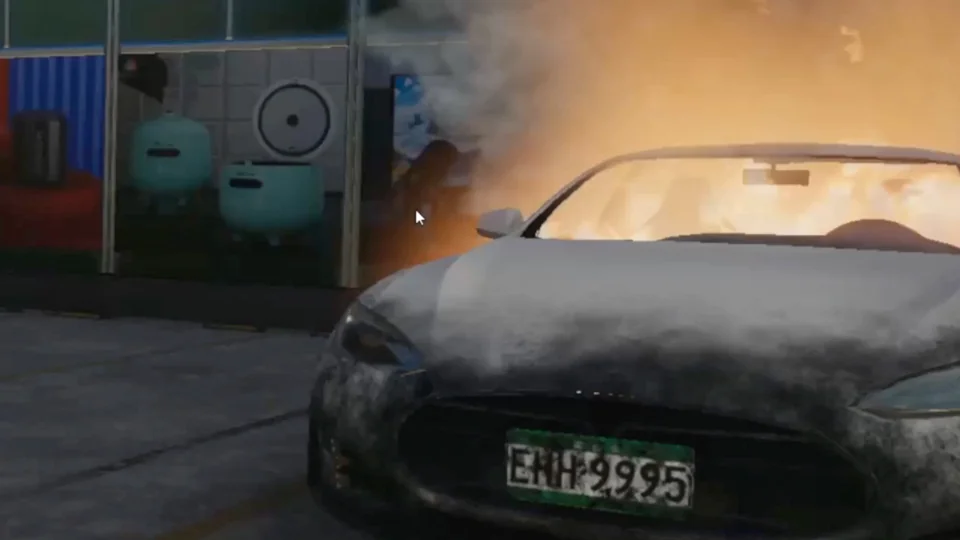
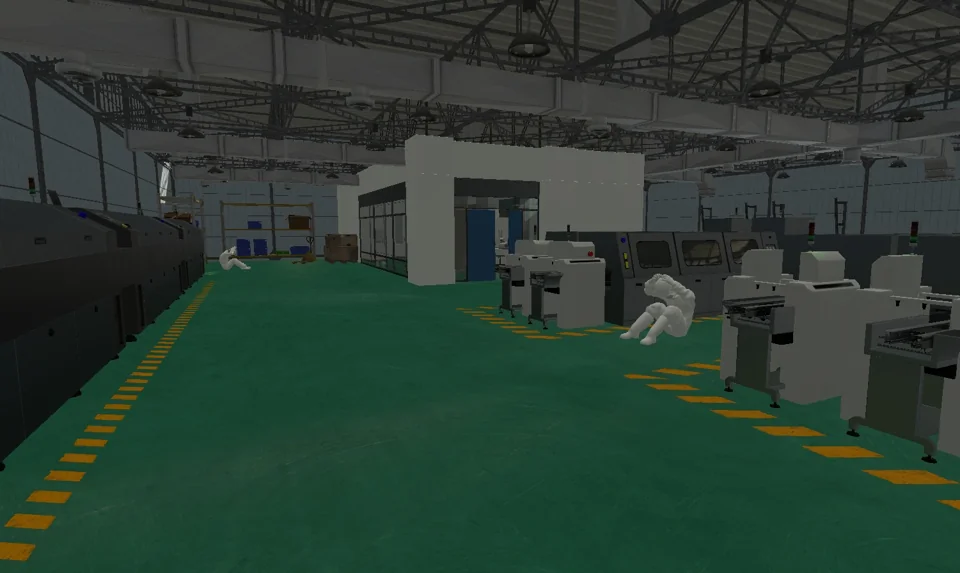
VR firefighter training
Connect physical equipment to the virtual exercise
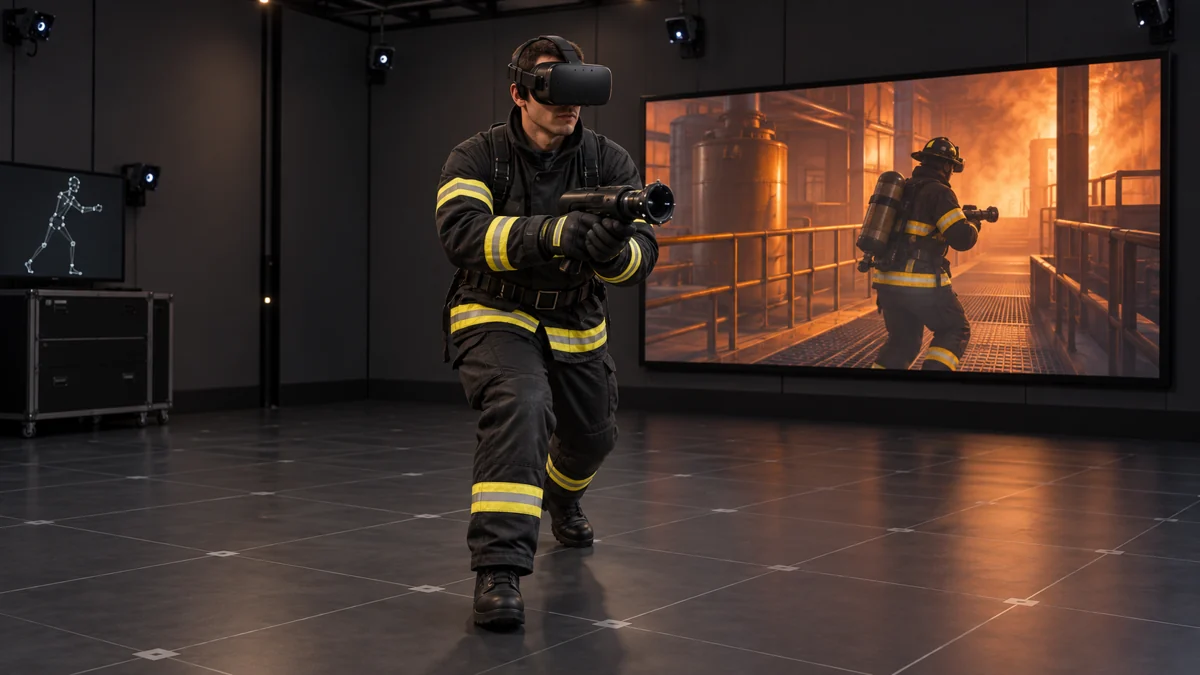
Bring the equipment interface, movement tracking and sensory feedback into the training design. The configuration depends on the facility, audience and exercise requirements.
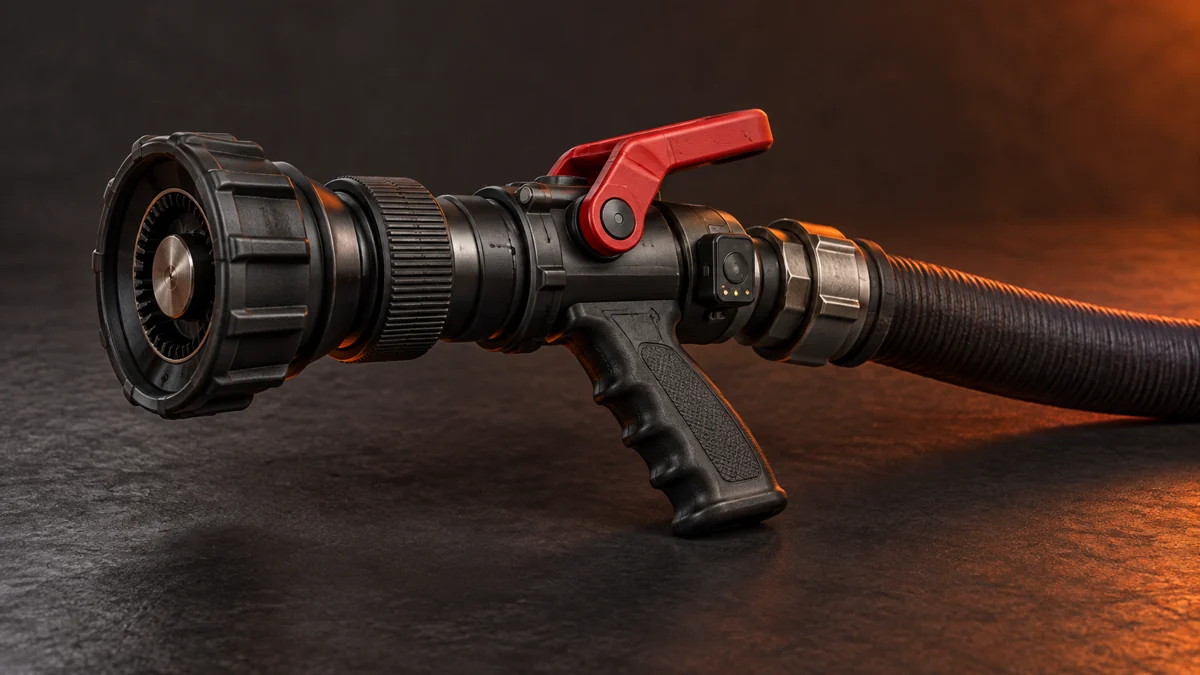
Hose and nozzle integration
A custom nozzle and auto-retracting hose reel can connect physical equipment interaction with the virtual scenario.
Motion capture and tracking
Wireless streaming and positional tracking can represent trainee movement, including walking and squatting, within the configured training area.
Sound and physical feedback
Scene audio and low-frequency vibration can provide physical cues for simulated events such as explosions or collapsing objects. Effects are configured for the exercise and venue.
Training management platform
Session data capture, analysis and training feedback give instructors material for review. Agree the records, access controls and assessment criteria as part of the programme.
Force-deployment commander training
Create the incident. Exercise the decisions.
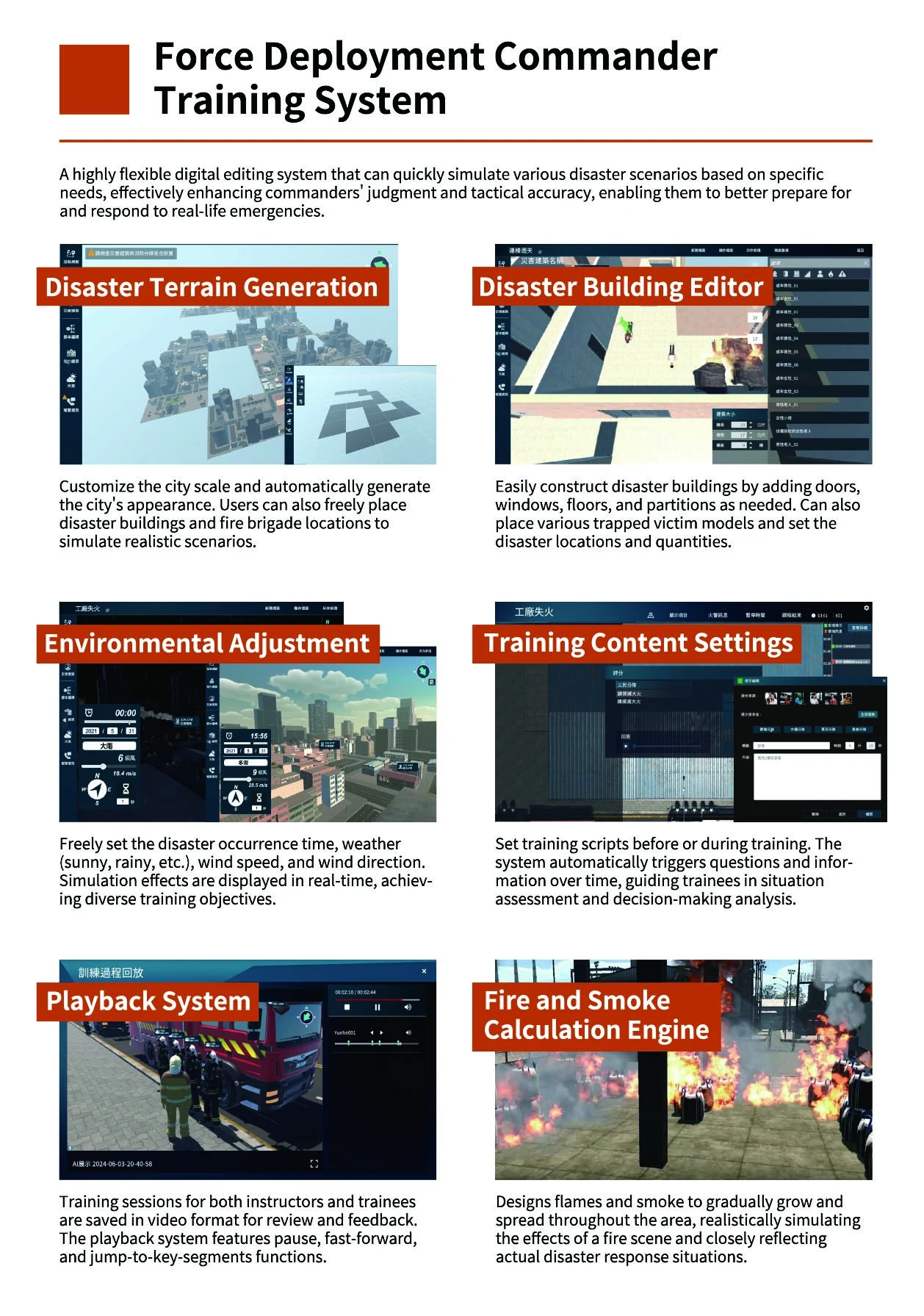
Build configurable disaster scenarios for command-level training. Terrain, buildings, conditions and timed information can be shaped around the decisions instructors want teams to practise.
Terrain and deployment planning
Set the city scale, generate its appearance and position incident buildings and fire-brigade locations within the training environment.
Building and incident editing
Configure doors, windows, floors and partitions. Place simulated casualties and define the locations and number of incident events.
Environmental conditions
Adjust the time of day, weather, wind speed and wind direction to explore different conditions within a scenario.
Training scripts and prompts
Prepare or adjust scripts before or during an exercise. Timed questions and information prompts support situation assessment and decision-making discussions.
Fire and smoke simulation
Represent the growth and spread of fire and smoke as an exercise develops. Simulation behaviour and the required level of fidelity are defined for the training use case.
Session playback
Review recorded instructor and trainee sessions, with pause, fast-forward and access to key moments for feedback and debriefing.
Screenshots from the supplied commander-training reference, with original interface text retained. These reference capabilities are scoped to each project. Module availability, integration, recording and deployment requirements are confirmed during planning.
Related scope
Extend where the programme needs it
Investigation assistance
Scene documentation and digital evidence review are a related area for discussion, with a separate workflow and requirements assessment.
Emergency-vehicle simulation
Driving simulation may be explored as an optional extension, subject to vehicle, hardware and course requirements.
Extinguisher training kit
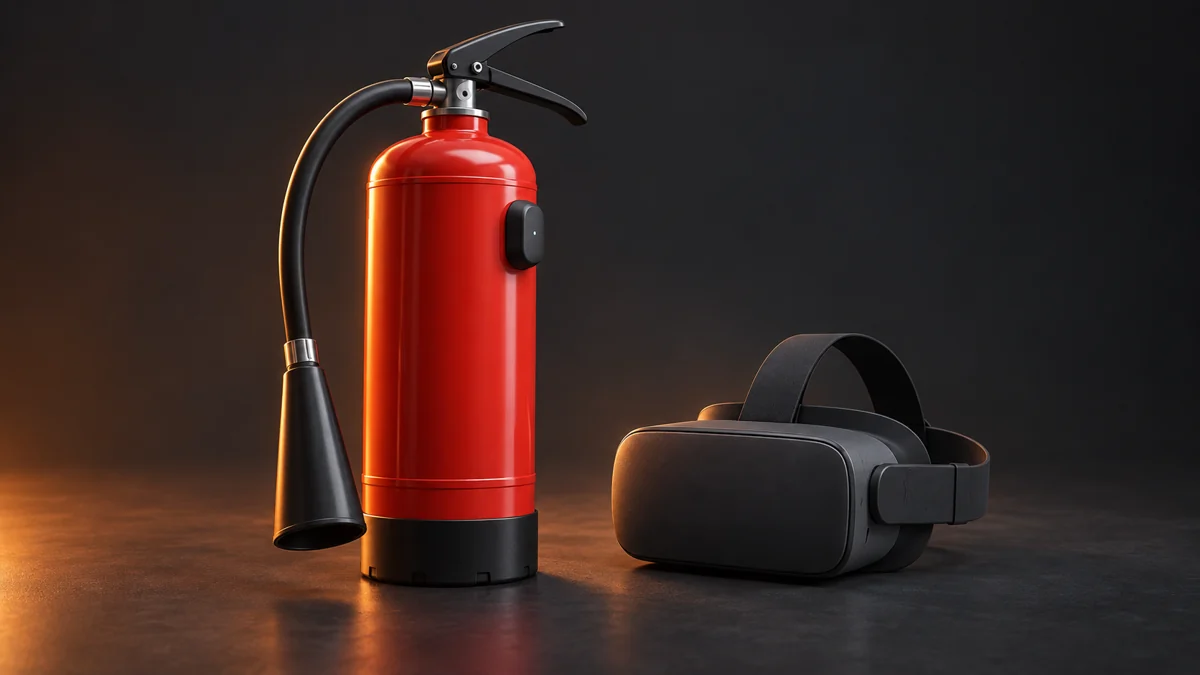
The reference deck includes extinguisher-kit design concepts. Hardware availability and the proposed workplace-awareness content require confirmation before inclusion.
Start with your training brief
Define the scenario. Shape the system.
Tell us who will train, which practical and command roles are involved, the environments and equipment to represent, and how instructors want to review a session.
Discuss a projectSimulation content supports instructor-led learning. Course design and operating procedures remain subject to the organisation’s qualified training review.